AUTO DEALERSHIP PARTNERS
Your next sale.
Our next guest.
Add a simple insurance request button to your vehicle listings.
Our agents handle the insurance conversation, with your dealership attached to the referral.
Real agents · English & Spanish · Seven days a week
AFTER YOUR GUEST CLICKS
A clear next step for their next car.
- Request insuranceYour guest opens the Stay Blessed quote page and shares their contact details.
- Talk with an agentOur team calls within two minutes during business hours: daily, 8 AM–10 PM Eastern.
- Review quote optionsAn agent prepares options. Requesting a quote does not start coverage.
Your Dealership Website
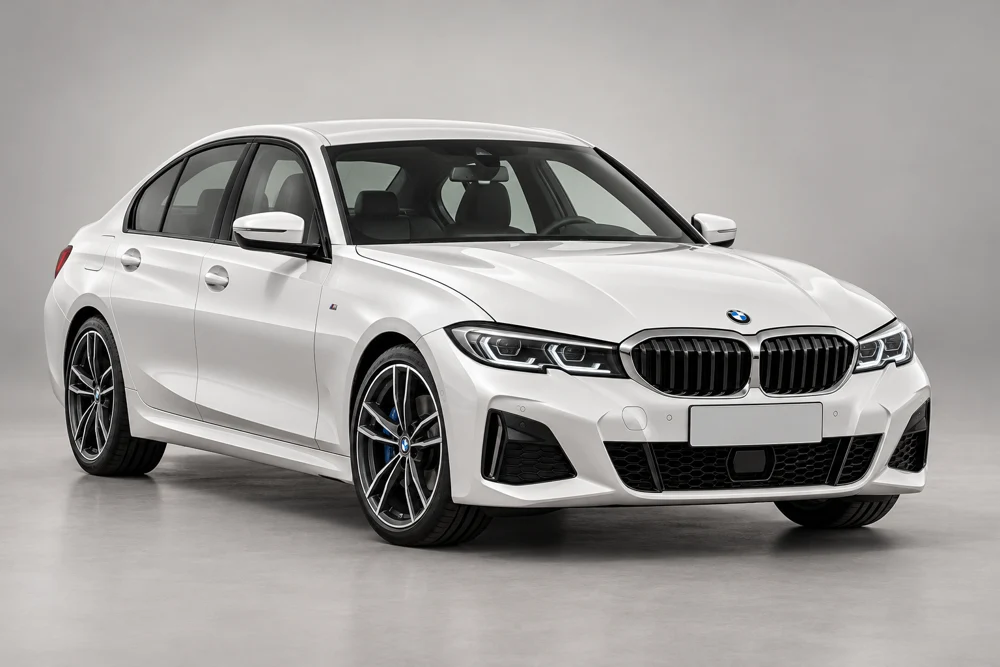
BMW 3 Series
AI-generated illustration · Example listing.
Illustrative example. Your website provider places the button beside your vehicle details.


On our quote page, Evie welcomes your guests.
A real agent helps with their quote.
Your website stays yours.
A discreet button beside your vehicle listings. Guests choose when to request insurance.
We take the insurance call.
During business hours, our team calls within two minutes. Quote options follow a conversation with an agent.
Your introduction stays connected.
A dealership-specific link identifies where each request came from. Vehicle details can travel with it.
SIMPLE TO GET STARTED
A little setup.
A better next step.
You can work with your website provider, or let our team guide you.
- 1
Join the partner network
Send your contact details below. Our team follows up to confirm your website, discuss the fit, and plan your setup.
- 2
Add your insurance button
Place the code beside your vehicle listings, or forward it to your website provider. Start with a simple button and small Stay Blessed attribution. Evie’s icon is optional.
- 3
Check the guest journey
Open your button and confirm that your dealership appears on the quote page. If connected, check that the selected vehicle is correct too.
Prefer a helping hand?
Call us with your website address and provider’s name. We’ll help you choose the right installation path.
GOOD TO KNOW
A few simple answers.
Will this work with my dealership website?
Many websites support an embedded button or a simple referral link. Some dealership platforms require your website provider to install it. We’ll confirm the options for your platform.
Can it include the vehicle the guest is viewing?
Yes, when your website provider connects the listing’s VIN to the widget. A general referral link also works without vehicle details.
Does the guest get an instant quote?
No. A Stay Blessed agent calls to confirm details and prepare quote options. Submitting a request does not start coverage.
Do I need to share my website password?
No password is needed to join or request guidance. You can send the installation instructions to your website provider.
LET’S WORK TOGETHER
Get my dealership set up.
Start with your contact details. We’ll help with the rest.